Encryption
Encrypted on your device.
- AES-256 local encryption
- Argon2id password hashing
- Auto-lock and integrity checks
A Markdown notebook with local encryption. Your notes stay on your computer.
Download hiddenote →Stored on your device
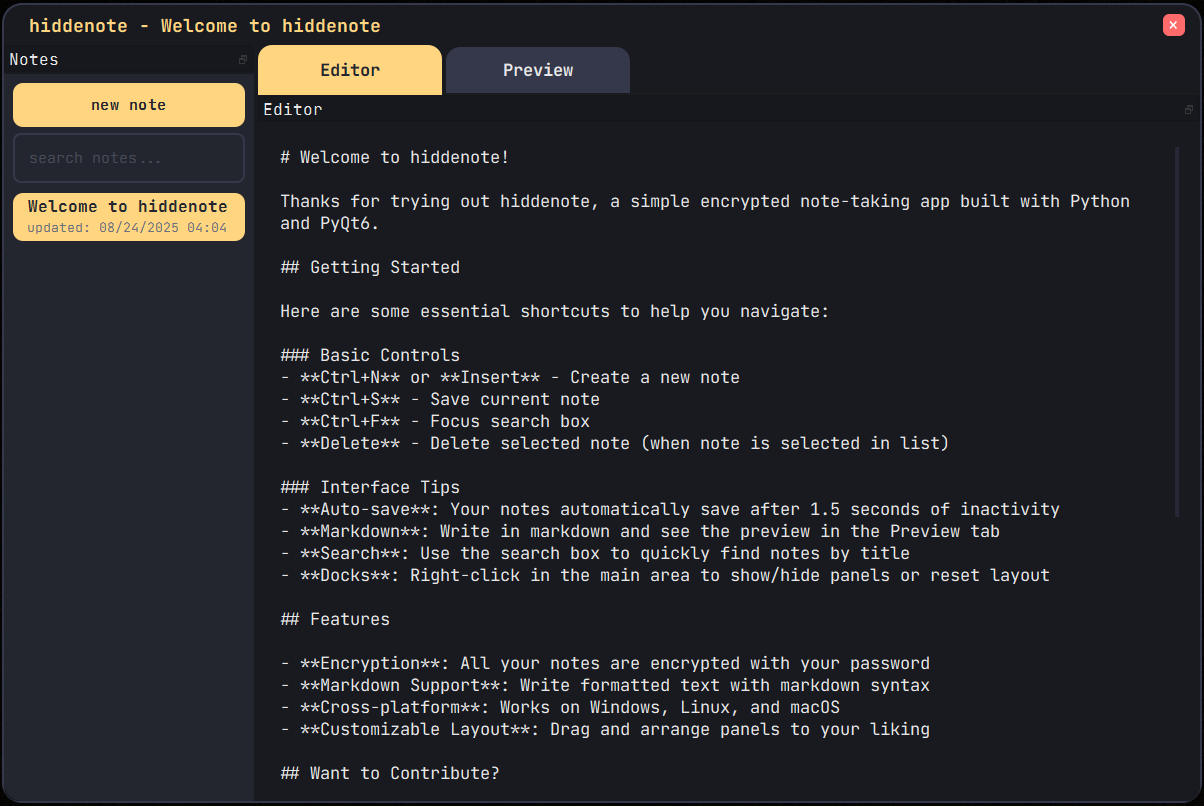
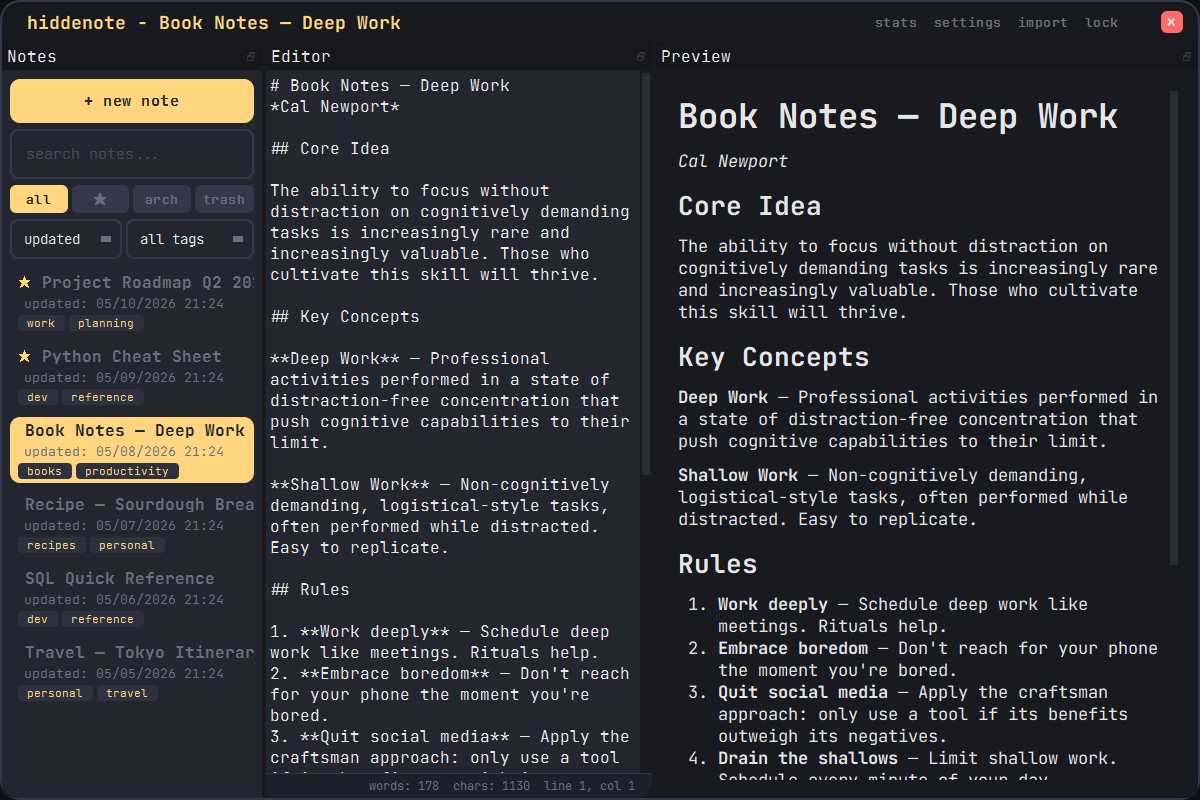
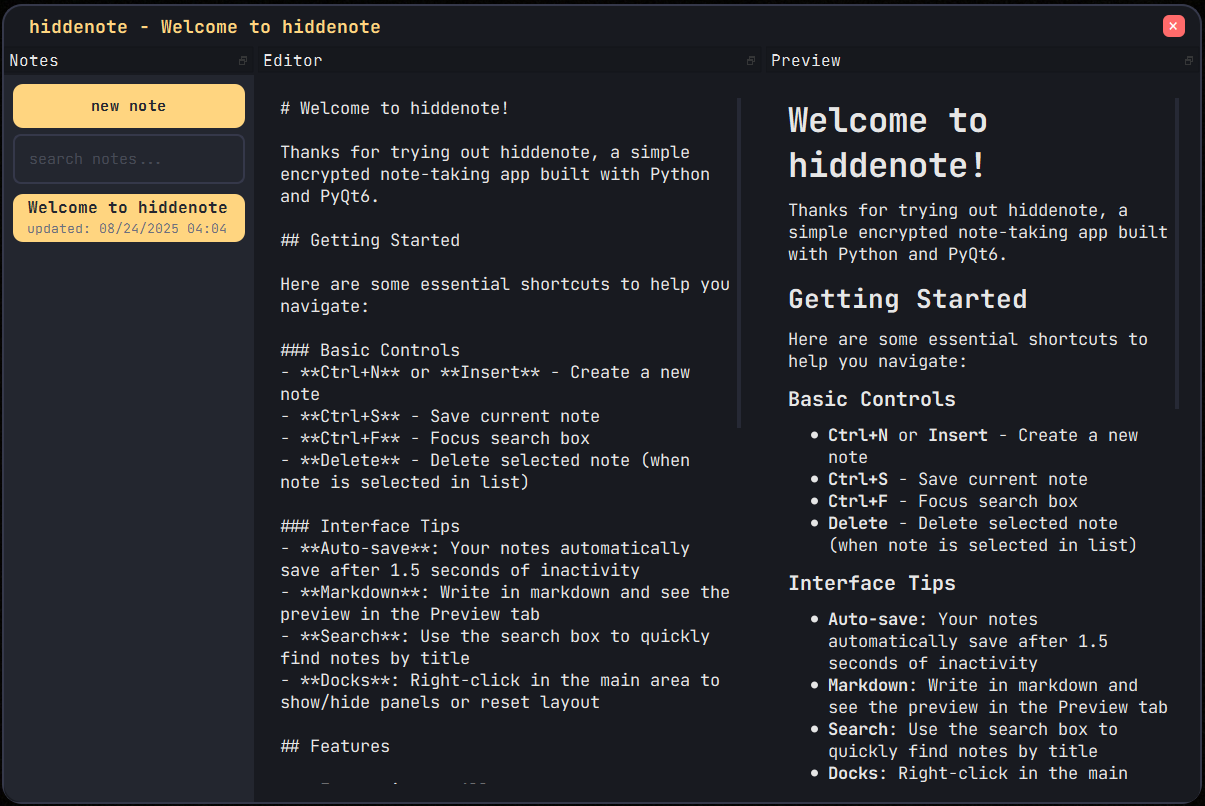
Hiddenote is a desktop notebook with Markdown editing and local encryption. There is no account to create, and your notes, backups, and encryption keys remain on your computer.
Markdown editing, search, backups, and local encryption.
Available on macOS, Windows, and Linux.
Download the build for your desktop.From GitHub
Ctrl+H) — floating dialog with prev / next / replace / replace all and a case-sensitive toggleCtrl+Shift+D) — inserts YYYY-MM-DD HH:MM:SS at the cursor[READ-ONLY] in the status barCtrl+P) — prints the rendered markdown preview via the system print dialogDelete now moves notes to trash; permanent deletion requires a second confirmation from within the Trash view; 30-day auto-cleanup (configurable).txt or .md file from disk; title is auto-deduplicated if it already existsCtrl+S or when navigating away; deduplicated so unchanged saves don't create extra entriesfenced_code, codehilite, tables, and toc extensionsCtrl+L)Delete key now moves notes to trash instead of permanently deleting them — permanent deletion only happens from within the Trash viewQTextEdit to QPlainTextEdit — better performance on long documents and required for the line number guttertags, note_tags, note_versions, settings) and new columns (pinned, archived, in_trash, trash_date) — existing v1.0.0 databases are migrated automatically with no data lossrequirements.txt — added argon2-cffi and Pygmentstitle, updated_at, pinned, archived, in_trash, note_id (on versions and tag joins) — addresses slow list loads on large note collectionsYour notes stay on your computer.